LITTLE TOWN · PUBLIC BETA
Build an AI 3D storefront from a text prompt
An illustrator can turn a portfolio into a tiny gallery, a maker can build a workshop, and a community can design a meeting place. Little Town combines an AI image preview with image-to-3D generation and a plot editor.
By Little Town · Updated September 22, 2026
Start with the purpose of your storefront
After purchasing a plot, open its editor and choose AI generation. Describe the object you want: a shop, a tree or a decoration. The text box shows its prompt limit. Focus on a few visible features; the system adds the town’s miniature style instructions so your design fits the neighborhood.
Try a concrete prompt
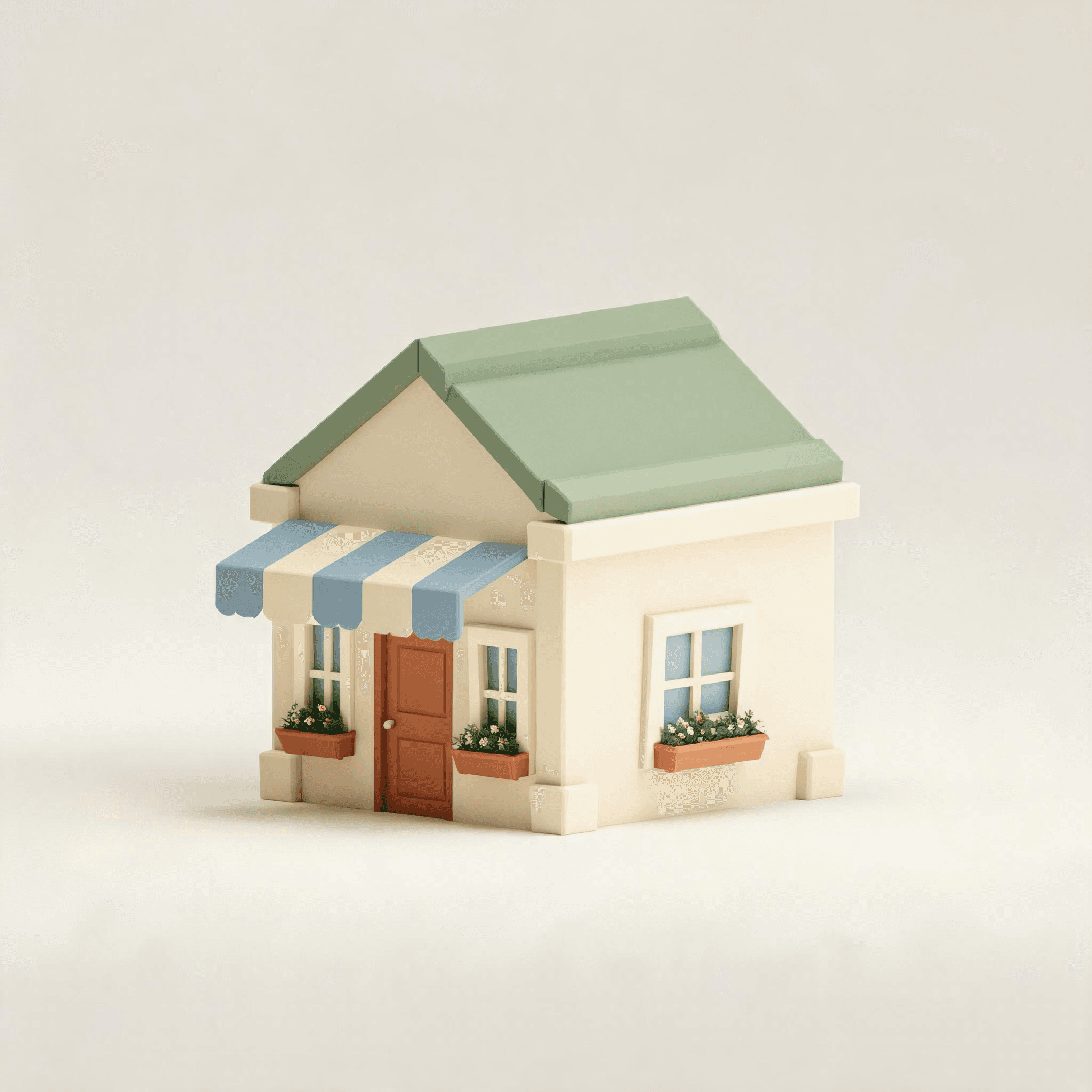
For a gallery, try “A small art gallery with cream walls, a green tiled roof, two tall front windows and an open wooden door.” For a garden, try “A compact round-canopy tree in a terracotta planter.” Create separate objects when you want to position the tree independently from the building.
Review the image before creating 3D
You may start from text, a reference image, or both. A reference image is used to generate or edit an image first; it does not skip straight to 3D. Review the generated picture, adjust the idea if necessary, then confirm that picture for 3D generation. Use reference images you have the right to use. Small text and detailed signs may not reproduce perfectly.
Place and adjust the model
Select the completed model from its preview card, then place it on the plot. Use the horizontal controls for rotation and scale. The editor checks the generated object’s projected footprint and height. Move or resize an object that extends outside the boundary before publishing. Only one object can be the main building; trees and decorations can accompany it.
Publish a destination people can visit
Set a short shop name and description, add your website if you have one, and save and publish. Visitors can open the shop’s details and follow its website link. You can reuse models from your library without generating them again.
Daily generation limits
The current daily allowance is 100 images and 50 3D model generations per owned plot, summed across the plots you currently hold. These tasks do not charge an additional generation fee. Daily limits refresh at 00:00 UTC. A plot purchase still costs its listed USDC price and applicable Solana fees.